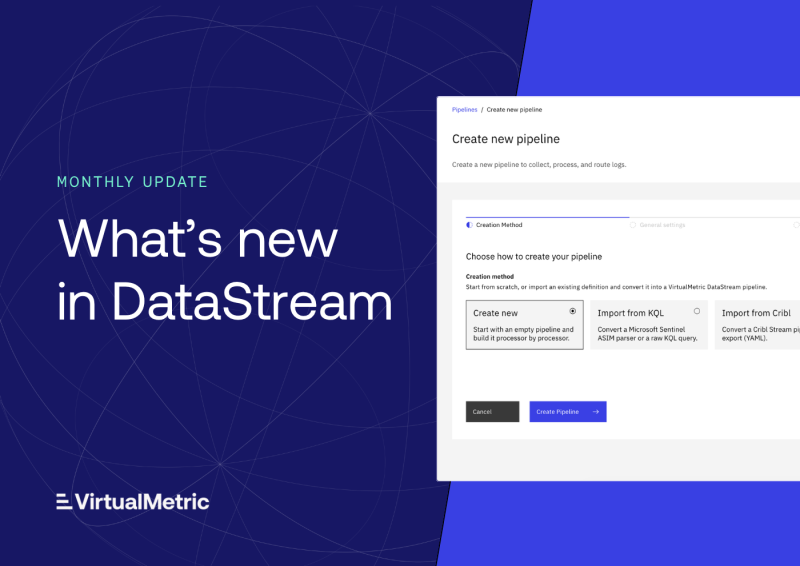
VirtualMetric DataStream now includes a PowerShell console in the browser, more than a dozen new integrations, and a new way to collect data from servers and virtualization hosts, where teams choose exactly what they collect. This update also brings guided learning for new users, built-in monitoring rules, and new controls for organizations managing branding and sign-in.
Here’s what’s new.
New features
Cloud Shell
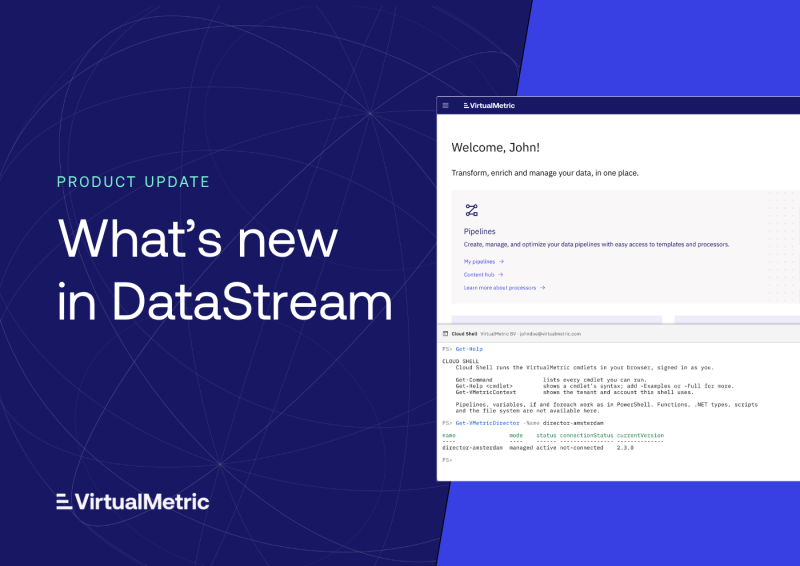
Cloud Shell opens a PowerShell console directly in the DataStream interface. A new button in the header docks the console on screen, and it runs the VirtualMetric cmdlets as the signed-in user, in whichever tenant they choose.
The same commands also run from a workstation. A matching PowerShell module with CLI sign-in gives teams the choice of working in the browser or from their own terminal. Both are backed by a public API covering pipelines, clusters, Quick Routes, the Library, and the Content Hub, so teams can script and automate the same operations they perform in the interface.
More than a dozen new integrations
This update extends DataStream’s reach across network equipment, virtualization platforms, backup systems, and additional operating systems:
- SNMP – polling for switches, routers, and firewalls, with a new SNMP Vendors section in the Library
- VMware vSphere (vCenter and ESXi) – hosts, their components, vCenter objects, and virtual machines across 41 datasets
- VMware Cloud Director, Sangfor HCI, OpenShift, and oVirt / Red Hat Virtualization – virtualization and platform devices, each with one dataset per data model
- Commvault – CommServe clients, alert rules, jobs, and events
- Solaris, AIX, and macOS – host data collected over SSH from the Director
- Service Check – synthetic checks in four check kinds, plus a browser check with credentials, certificate chain, and traceroute datasets
- IPAM – IPv4 subnet sweeps from the Director
- Splunk S2S – available as both a device and a target
Eight new agent dataset types are also available, including scripts from the Library.
Dataset-based host collection
Host monitoring now uses one dataset per data model. Teams select the specific data they need for each host type and filter it at the source, so only relevant data enters the pipeline.
This applies across Windows, Linux, Microsoft SQL Server, failover clusters, Hyper-V, IIS, Storage Spaces Direct, SCVMM, and Solaris, AIX, and macOS hosts.
Microsoft Sentinel Smart Engine
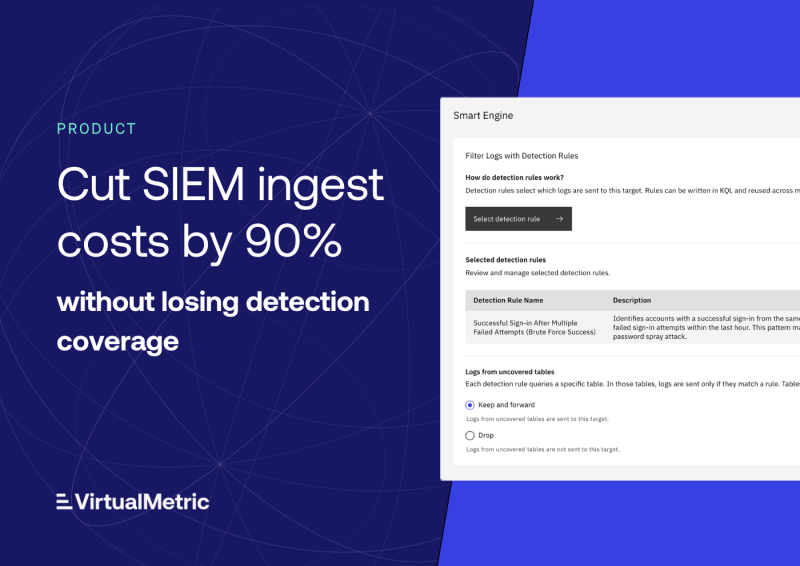
Microsoft Sentinel Smart Engine now includes a learning mode for Sentinel targets. Sentinel targets also gain coverage analysis and a Reduction tab with reduction statistics.
Built-in monitoring
Twelve built-in monitoring rules now come ready to use on Standard and Enterprise plans, including a new rule for target delivery lag. Each rule can be enabled, disabled, or cloned as a starting point for custom rules.
Schema drift now appears as a Monitoring alert that shows the field-level differences, so teams can see exactly what changed in an incoming data structure. Director, device, and target lists also include a Monitoring column that shows each resource’s current monitoring state at a glance.
Guided tours and learning tracks
A new Guided tours hub walks users through the real product screens. It includes a Getting started tour for onboarding, the Pipeline Academy with 22 lessons covering the full pipeline lifecycle, and Scenarios: complete data flows built on Content Hub packs and tailored to Microsoft Sentinel, Splunk Enterprise Security, and Elastic Security.
Organization themes and white-label branding
All plans include five built-in themes, and every user can choose their own, including an appearance that follows their system’s light or dark mode. On the Enterprise plan, appearance settings also let organizations define their own themes and branding across the platform.
Tenant SSO enforcement
Tenants can now require single sign-on for their users, with self-service opt-in and an owner break-glass account for recovery.
Library expansion
The Library now ships platform-provided content, with each tenant owning its own copy. This includes simulation samples, Grok pattern packs, and schemas for Microsoft Sentinel, ASIM, and OCSF tables.
Restore capabilities
Deleted devices and Directors can now be restored directly from their audit log entry.
Improvements
Pipeline authoring
The pipeline editor now autocompletes field, schema, Grok pattern, and lookup table names, and the debugger shows what a run rerouted.
GitOps-managed pipelines
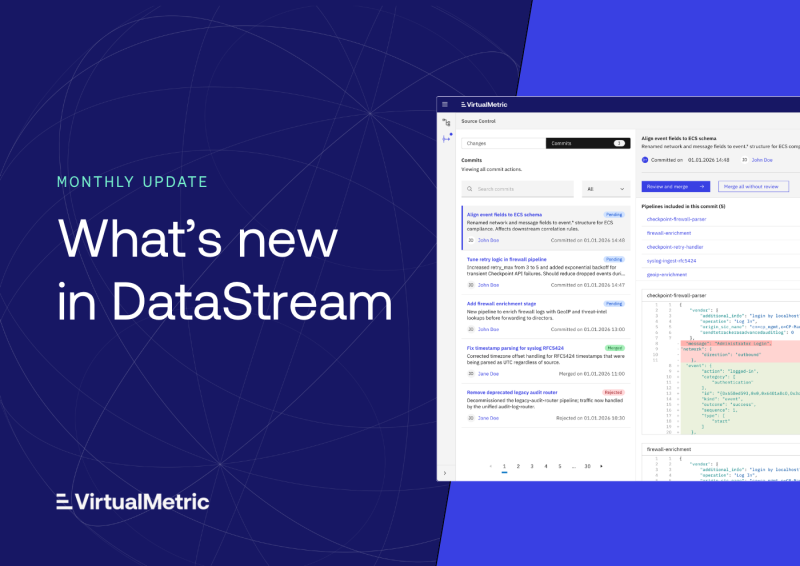
Pipelines managed through GitOps are read-only in the console, and pushes land on staging, keeping the repository as the single source of truth for those pipelines.
Director management
Directors running on Azure Container Apps can reuse an existing managed environment, and their published listener ports can be viewed and changed from Connection settings. Orchestrated Directors can now run additional device types and agentless deployments.
Health, Quick Routes, and Cost & Usage
Health pages and Quick Routes follow a new, consistent layout. Cost & Usage adds a tenant-wide rate card, tenant-scoped statistics, and per-target delivery rows.
Session security and audit logs
Sign-in, sessions, MFA, SSO, and API tokens have been further hardened. Audit entries now record who did what and what changed across a wide range of resource types, from users, roles, and tenants to vault secrets, detection rules, devices, Directors, and GitOps sources.
These are the highlights – this update also includes a broad set of fixes across devices, Directors, pipelines, the interface, and sign-in.
Looking ahead
These changes give teams more ways to work with DataStream, whether from the interface, a PowerShell console, or their own scripts, and bring more of their infrastructure into the pipeline. We’ll continue building on both in upcoming updates.
As always, feedback from real-world deployments helps guide future development. If you would like a walkthrough of any of these features or want to share suggestions, we would be glad to hear from you.
See VirtualMetric DataStream in action

Start your free trial to experience safer, smarter data routing with full visibility and control.