This month’s DataStream update brings meaningful improvements across pipeline management, MSSP workflows, and endpoint visibility. We’ve focused on giving security teams more control over how data moves through their environment, expanding coverage for both Windows and Linux, and strengthening governance for multi-tenant deployments.
Let’s walk through what’s new.
New features
Pipeline updates
Managing pipelines built from the Content Hub is now more transparent and predictable.
Whenever an installed pipeline receives an update, DataStream will automatically notify you in the UI. You can open the update, see exactly what changed, and compare your current configuration side-by-side with the new version before choosing to apply it.
This gives teams a clean, review-first workflow, especially valuable for environments with customized pipelines, staged deployments, or strict change-management requirements.

Sub-tenant access control with approval workflow
We’ve continued expanding DataStream’s multi-tenant capabilities with the new phase of our MSSP enhancements.
Parent tenants must now submit an access request before they can interact with sub-tenant resources. Each request specifies what actions are needed and for how long access should be granted. Sub-tenants review these requests through a dedicated interface and can approve or deny them with full transparency.
This model strengthens separation of duties, aligns with least-privilege principles, and gives MSSPs clearer governance controls without compromising operational flexibility.
Improvements
Advanced route scheduling
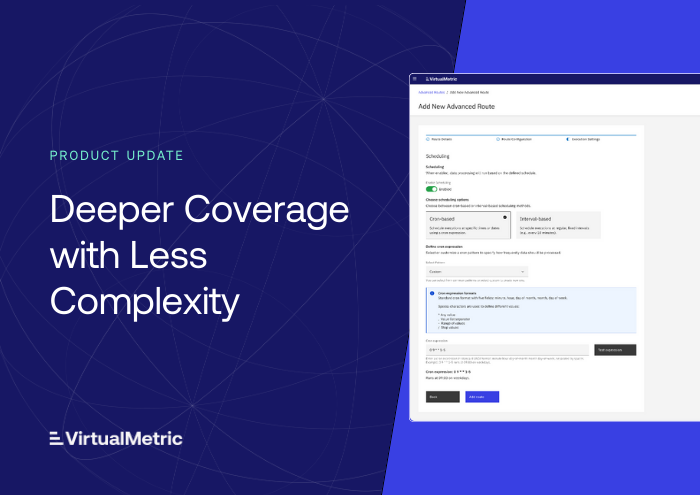
Advanced Routes now support time-based and interval-based scheduling.
You can run routes hourly, daily, at precise cron-based times, or on regular intervals – making it easier to manage workloads, batch operations, and off-peak processing.
This enhancement automates routine tasks and removes the need for manual triggers when orchestrating multi-stage data flows.

Windows DNS logs filtering
We’ve expanded Windows visibility with full support for Windows DNS Logs, including granular filtering controls. You can now collect and analyze DNS query and response events directly from Windows endpoints and filter them by: Event ID, Response code, Question type, Device IP, Source/Destination IP, Question name.
It helps detect anomalies such as failed lookups, unexpected domains, or potential command-and-control attempts. With this addition, users can monitor DNS traffic in real time and correlate it with other security and system events for deeper investigation.

Linux event log support
Linux endpoints now receive the same depth of visibility traditionally available for Windows.
DataStream agents can collect both Audit logs and Firewall events, giving teams:
- detailed insight into system-level activities,
- visibility into network-layer traffic and security events,
- better correlation across mixed OS environments.
This enhancement is especially important for organizations with hybrid estates and compliance requirements.

Import existing DCR configurations
Windows device configuration now supports direct import of Data Collection Rules (DCRs).
You can convert existing DCR settings into XML and use them directly within the Custom Windows Log page.
This streamlines onboarding, eliminates repetitive configuration work, and helps teams maintain consistency with policies already in place.
Looking ahead
Over the next cycles, we’ll continue focusing on deeper automation, enhanced performance, better control, and broader support for new data sources and destinations. Several new integrations have already been added in this release cycle, and we’ll highlight some of them in upcoming articles – stay tuned!
To explore everything included in this update and improvements not covered here, visit our documentation and release notes.
As always, your feedback plays a central role in shaping these enhancements.
If you’d like to see a walkthrough of any new feature or propose improvements, feel free to reach out – we’re always listening.
See VirtualMetric DataStream in action

Start your free trial to experience safer, smarter data routing with full visibility and control.
Related content
Product
VirtualMetric DataStream + Google SecOps Integration: Pre-Ingest UDM Normalization at Scale
Product
Clustered Directors, Pipeline Debugging, and More Integrations
Product
VirtualMetric DataStream + Amazon Security Lake: OCSF-Ready Security Data Without Custom Pipelines
Product